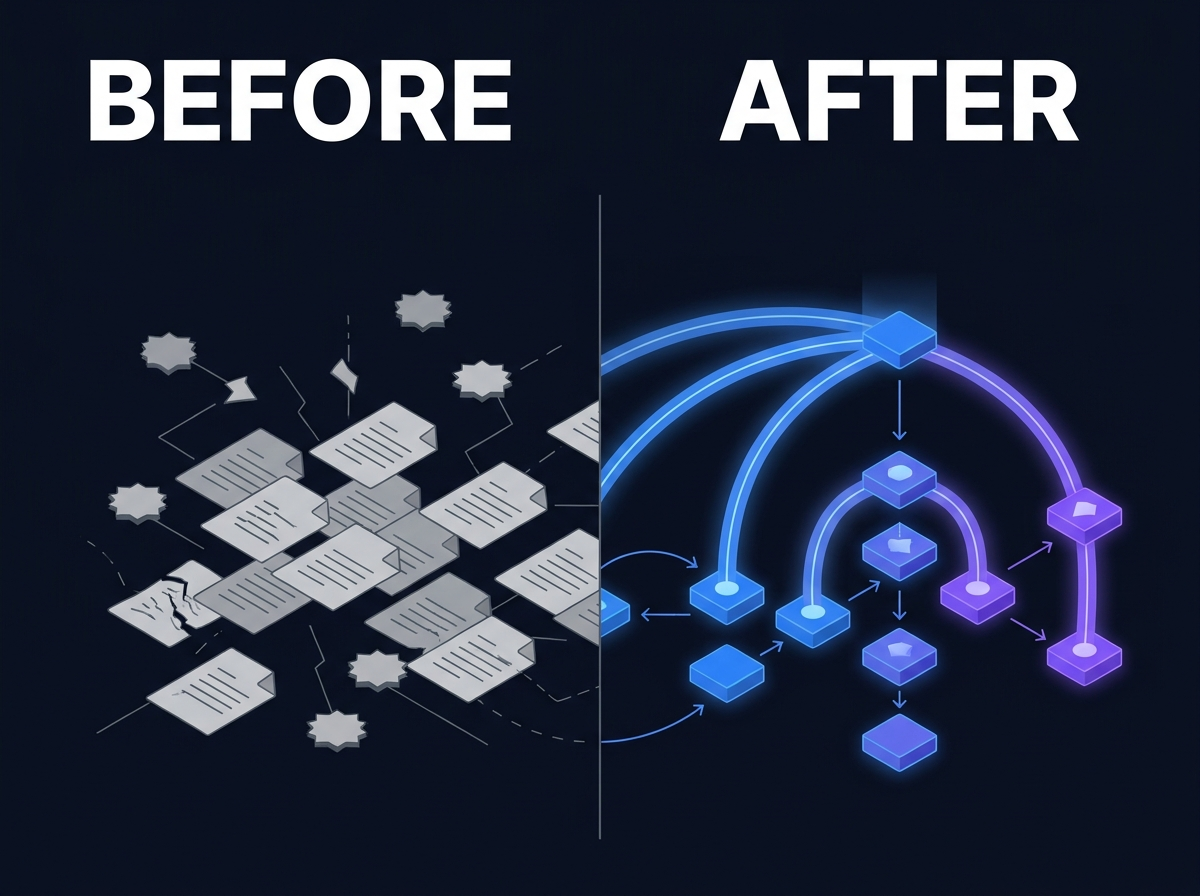
The Real Cost of Unsearchable Information
lightbulb Executive Summary
Unsearchable does not mean missing. It means information exists but authorized users cannot find or trust it at speed. Costs are operational: interrupted senior staff, duplicated work, onboarding drag, and decisions made on incomplete context. Common causes include format gaps (scans, video), permission boundaries, missing connectors, and absent metadata at ingest. Enterprise search must be permission-aware. Indexing without ACL sync creates risk and distrust. Fixing findability is a program: connect sources, enrich formats, govern high-value corpora, measure known-item retrieval.
Executive Summary
- Unsearchable does not mean missing. It means information exists but authorized users cannot find or trust it at speed.
- Costs are operational: interrupted senior staff, duplicated work, onboarding drag, and decisions made on incomplete context.
- Common causes include format gaps (scans, video), permission boundaries, missing connectors, and absent metadata at ingest.
- Enterprise search must be permission-aware. Indexing without ACL sync creates risk and distrust.
- Fixing findability is a program: connect sources, enrich formats, govern high-value corpora, measure known-item retrieval.
1. Introduction
Someone on your team spent twenty minutes this morning looking for a file they were sure the organization already had.
Maybe it was a policy update. Maybe a client deliverable from last quarter. Maybe a specification an engineer swore was "somewhere in SharePoint." They asked a colleague, checked two drives, tried a keyword search, and still opened a blank document to start over.
The information was not lost. It was unsearchable.
Unsearchable information is content your organization stores, and sometimes indexes, but that users cannot retrieve reliably when they need it. The gap shows up in every function: professional services, engineering, marketing, research, operations, and leadership. It is one of the most expensive problems enterprises tolerate because it rarely appears as its own budget line.
This article defines what unsearchable means in practice, where it hurts operations, and what a disciplined findability program looks like without a rip-and-replace migration.
2. Problem Definition
What unsearchable means
Information is unsearchable when authorized users cannot locate the right version quickly enough to trust it for work. The causes sit in systems, formats, and governance, not in user carelessness.
Typical unsearchable content includes:
- Scanned PDFs and image-only documents without OCR text
- Video and audio without transcripts or segment metadata
- Files in repositories with no enterprise connector
- Content behind permissions that search indexes do not respect
- Assets with filenames that made sense to one team three years ago
- Email attachments and exports never linked to project systems
- Legacy archives copied during migrations and never activated
Unsearchable vs. dark data
Dark data is stored but unused and poorly governed. Unsearchable information can be active, high-value content that fails at retrieval. A governed policy library can be dark if nobody maintains it. A chaotic file share can be unsearchable even when users upload daily.
Many organizations have both problems. Findability work often activates dark data selectively while improving search across active repositories.
How teams compensate
When search fails, enterprises build informal infrastructure:
- Senior staff answer the same questions repeatedly
- Teams maintain personal folder caches and bookmark lists
- Project managers keep parallel trackers of "where things live"
- New hires shadow colleagues to learn unofficial paths
- Departments recreate documents because retrieval takes longer than rework
Compensation works until scale breaks it. Then cost shows up as delay, error, and burnout among the people who remember where files live.
3. Business Impact
Interrupt-driven senior staff
Experts become human search engines. Calendar time shifts from judgment and client work to answering retrieval requests. The cost is capacity, not a license fee.
Duplicated work product
When teams cannot find prior analyses, designs, proposals, or datasets, they rebuild. Duplication wastes labor and introduces version drift. Two teams can ship conflicting answers to the same question because each worked from a different copy.
Onboarding drag
New hires inherit folklore instead of systems. Onboarding stretches while they learn which drive, which site, and which person to ask. Time-to-productivity is a findability metric whether or not anyone charts it.
Inconsistent delivery
Client-facing and operational teams make decisions on partial context when the canonical record is not retrievable. Quality variance follows. Escalations rise when stakeholders discover the "final" version was not the one in use.
Governance and audit friction
When the authoritative record cannot be found, retention and disposition policies are impossible to enforce. Teams cannot prove what was approved, only what they eventually located.
Distrust in search investment
One failed search rollout trains users to stop trying. Distrust is sticky. Rebuilding confidence costs more than the initial project.
None of these impacts require invented statistics. They are visible the moment you ask a room where the latest approved template lives.
4. Practical Examples
These scenarios are composite patterns. They are not attributed to specific customers.
The scanned contract archive
A legal operations team digitized thousands of agreements over a decade. Images are clear. Text is not machine-readable. Search returns filenames only.
An account manager needs change-of-control language from a 2019 master agreement. Search fails. Someone walks to the scanned archive folder structure. Hours pass. The clause existed. Retrieval did not.
The engineering specification hunt
A manufacturer stores specs in PLM, exports on shared drives, and summaries in a wiki. A field technician needs torque values for an assembly.
Search returns three PDF exports with different revision notes and a wiki page edited years ago. The PLM record is authoritative but poorly indexed for technicians without PLM access. The technician calls a senior engineer. Production waits.
The onboarding template maze
A professional services firm hires cohorts quarterly. Templates for proposals, SOWs, and deliverables live across SharePoint sites, Teams channels, and a legacy share from an acquisition.
A new consultant searches "digital transformation proposal template." Twelve versions appear. None are labeled approved. The consultant copies the newest-looking file. Partner review catches outdated terms. Unsearchable templates became client risk.
The video library without transcripts
A media team uploads keynote recordings and product demos to a DAM. Files are large and well stored. Nobody funded transcript search.
An editor needs a product clip from a forty-minute keynote. They scrub manually or re-request from agencies. Video existed. Moments were not findable.
5. Recommended Approach
A findability program connects discovery to governance in phases.
Step 1: Baseline known-item retrieval
Pick ten documents or assets per priority team that should be easy to find. Time how long retrieval takes today. This qualitative baseline beats abstract search KPIs.
Step 2: Map sources and permission models
Inventory repositories in scope: file shares, M365, DAM, PLM, CRM exports, ticket systems. Document who owns each source and how access is enforced. Search architecture depends on connector quality and ACL synchronization.
Step 3: Close format gaps
Apply OCR to scans, transcription to video and audio, and metadata enrichment at ingest where possible. OCR and Transcription capabilities exist because format gaps are the dominant cause of "we have it but search cannot see it."
Step 4: Deploy permission-aware enterprise search
Index in place where feasible. Results must mirror source permissions. If a user cannot open a document in the native system, search must not expose its contents. Enterprise Search is built for this constraint.
Step 5: Structure high-value corpora
Use Knowledge Management for templates, policies, specifications, and approved media where version confusion creates risk. Structure is targeted, not universal on day one.
Step 6: Activate selective dark archives
Use Dark Data Intelligence to classify legacy content before opening it to broad search. Activation is selective. Not everything deserves indexing.
Step 7: Measure qualitatively
Track known-item retrieval time, duplicate document creation complaints, and onboarding path stability. Avoid vanity metrics that reward index size without user trust.
Step 8: Prepare AI on governed retrieval
Private AI amplifies whatever corpus you provide. Ungoverned search makes ungoverned AI. Fix findability before you automate answers.
6. Where Prodigy Fits
Prodigy addresses unsearchable information as a connectivity, format, and governance problem across documents and media.
Enterprise Search delivers permission-aware discovery across connected repositories. OCR and Transcription and Video Intelligence close format gaps that block retrieval. Knowledge Management structures corpora where canonical versions matter. Dark Data Intelligence helps teams activate legacy archives with classification before amplification.
For professional services and corporate knowledge environments, the Corporate Knowledge solution path maps findability requirements to operational patterns without treating every industry identically.
Prodigy does not promise that indexing alone fixes chaos. It connects, enriches, and governs so the information you already own becomes retrievable to the people allowed to use it.
7. Conclusion
Unsearchable information is one of the most accepted inefficiencies in enterprise operations. Files exist. Backups exist. Sometimes indexes exist. Users still cannot find what they need with confidence.
The cost is paid in time, duplication, onboarding drag, and decisions made without the full record. Fixing it requires honesty about format gaps, permissions, and metadata, not another folder structure.
Permission-aware enterprise search, selective knowledge management, and governed archive activation beat another storage project. Measure known-item retrieval, not index volume.
If your experts spend their days being search engines, unsearchable information is already on your balance sheet. It is booked under payroll and rework instead of a line anyone monitors.
8. CTA
Explore Enterprise Search Primary: Enterprise Search
Continue your evaluation Secondary: Register for the evaluation portal
Request a demo Tertiary: Request a Demo
FAQ
What makes information unsearchable? Common causes include missing OCR on scans, video without transcripts, no connector to the repository, permissions not synced to search, and weak metadata at ingest.
Is unsearchable the same as dark data? Related but different. Dark data is unused and poorly governed. Unsearchable content may be active and valuable but hard to retrieve. Organizations often have both.
Can enterprise search fix this alone? Search improves discovery but does not replace format enrichment, permissions, and metadata. Without those, search surfaces noise or risk.
How should we measure improvement? Use known-item retrieval tests, onboarding feedback, and qualitative reduction in duplicate work complaints. Avoid relying on index size alone.
Does findability matter for AI? Yes. AI retrieval automates what search assists. Ungoverned corpora produce confident wrong answers faster.
Related Reading
| Title | Type | Path |
| The Hidden Cost of Information Sprawl | Article | `/resources/articles/hidden-cost-information-sprawl/` |
| Enterprise Search Is Not Knowledge Management | Article | `/resources/articles/enterprise-search-vs-knowledge-management/` |
| What Is Dark Data and Why Most Organizations Ignore It | Article | `/resources/articles/what-is-dark-data/` |